Turn every scan into a regular.
GetMenuHub is the growth platform that starts at your QR code: menu, table ordering, loyalty and staff tools in one dashboard, live in 5 minutes — with zero commission on every order.
Every restaurant remembers its menu. Almost none remember its customers.
A regular who ate here Tuesday and could eat here again Friday looks, to most restaurants, exactly like a stranger - because nothing in the building is keeping score. That's not a marketing gap. It's the most expensive thing an independent restaurant fails to do.
GetMenuHub closes that loop
The same QR code that shows your menu also captures the order, remembers the customer, and brings them back - automatically, without a marketing team.
Real screens. Real data. No mockups.
Every screenshot below is the actual product, captured live from a real account.
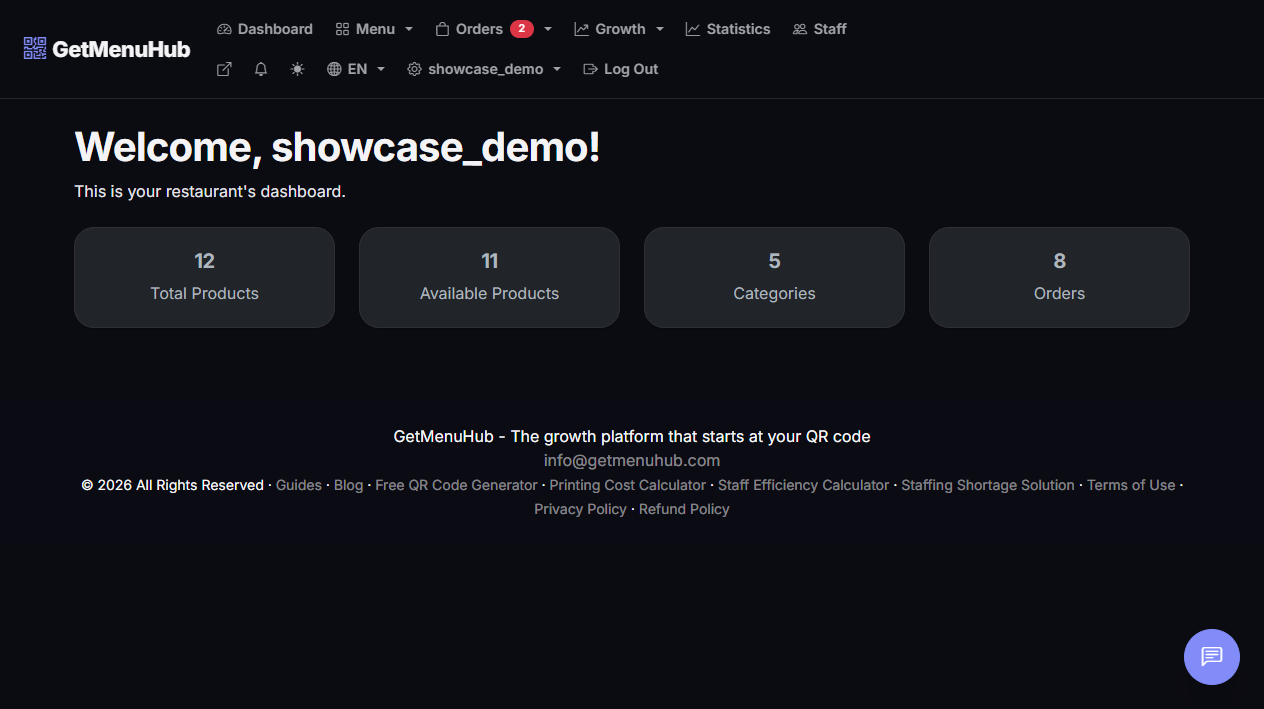
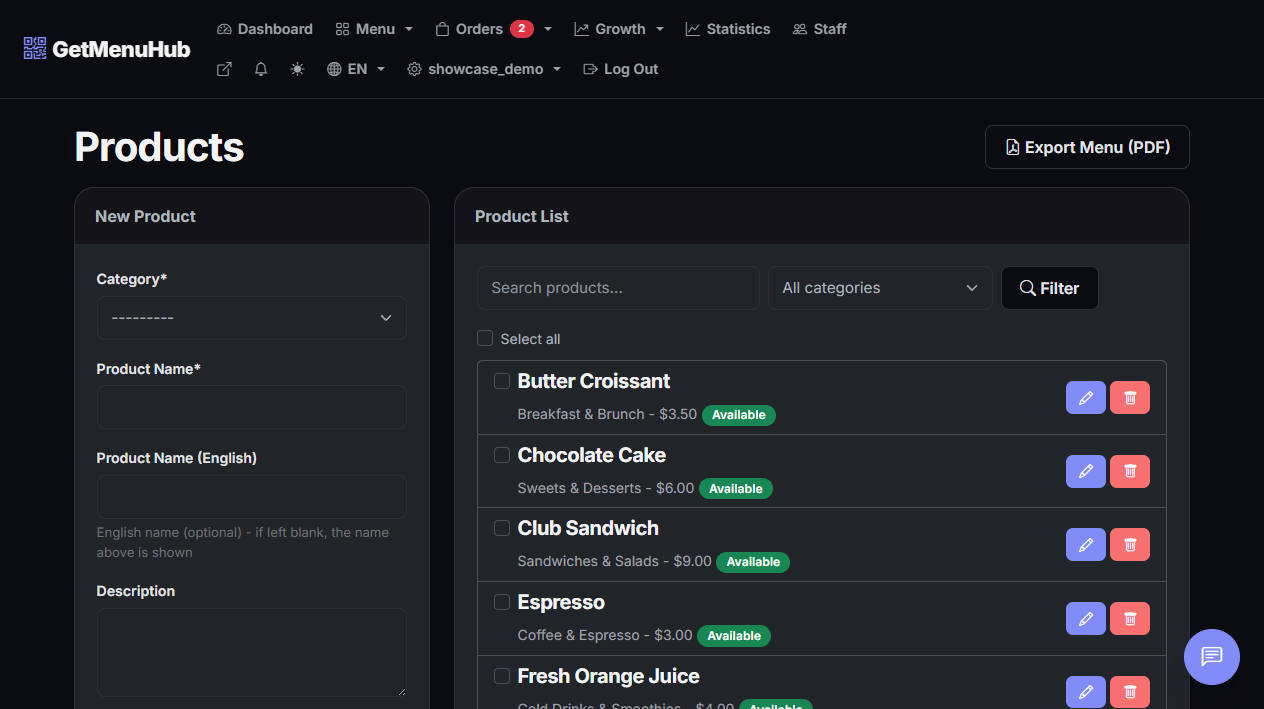
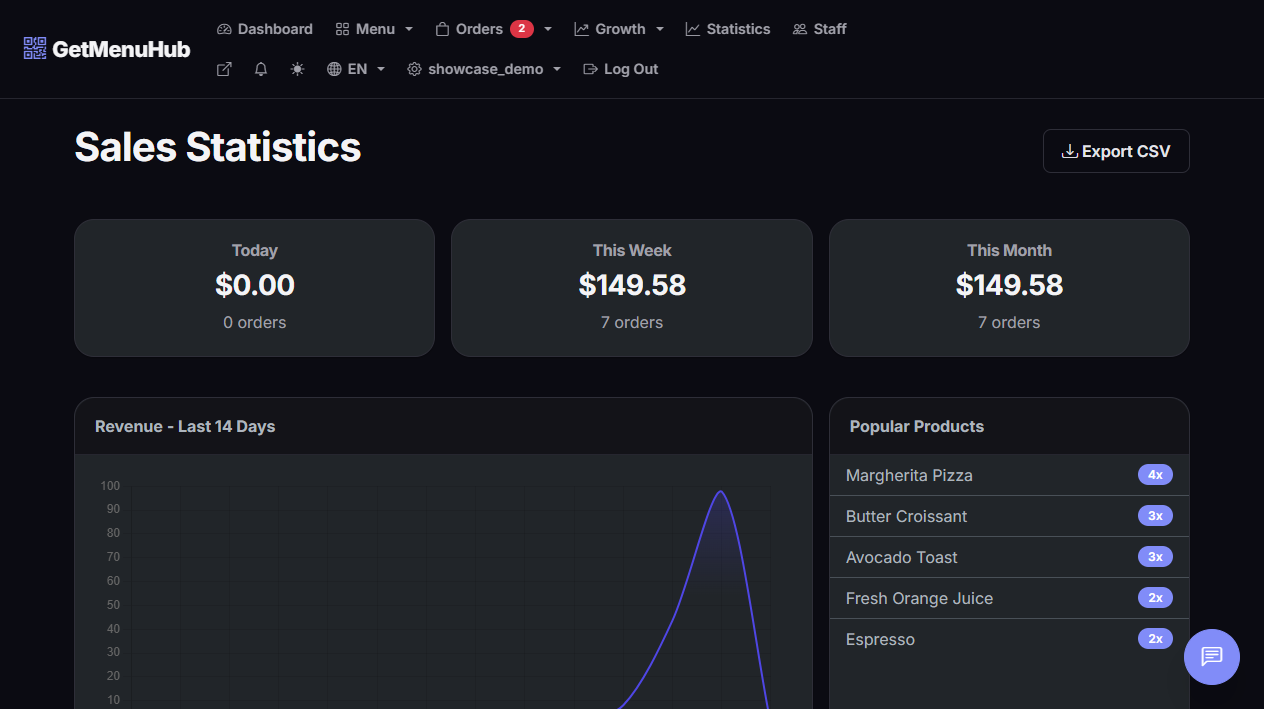
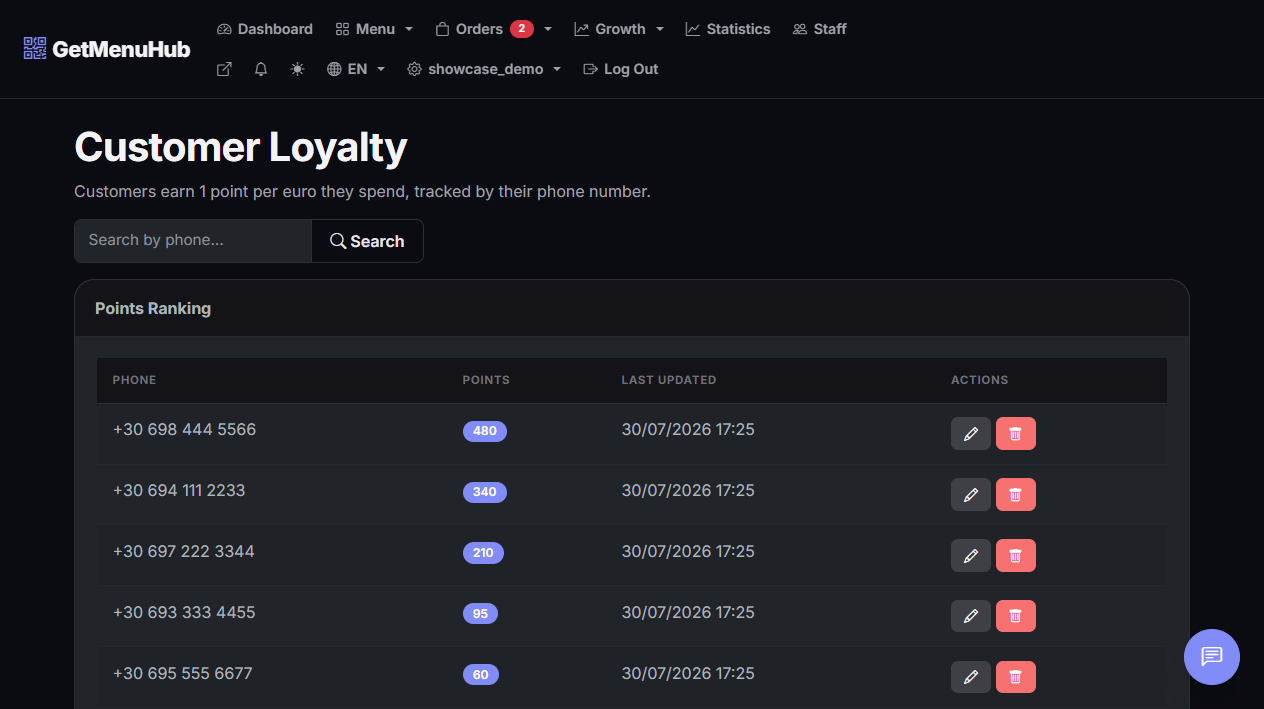
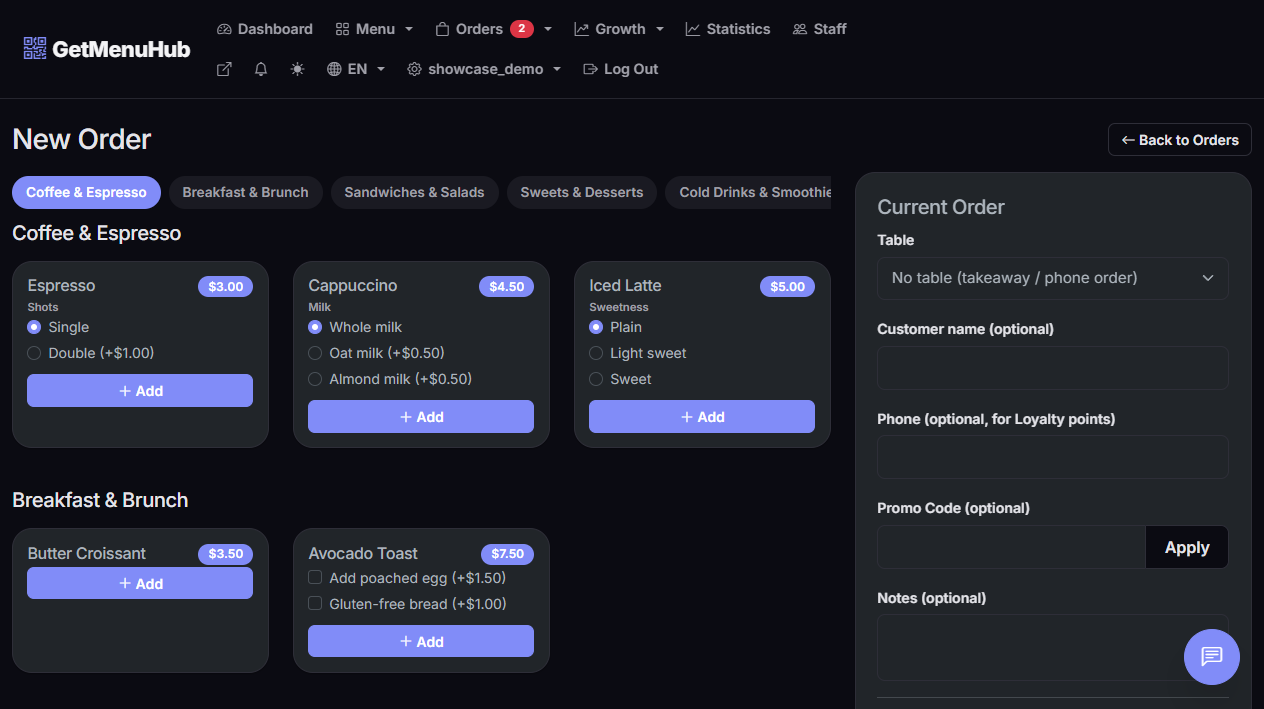
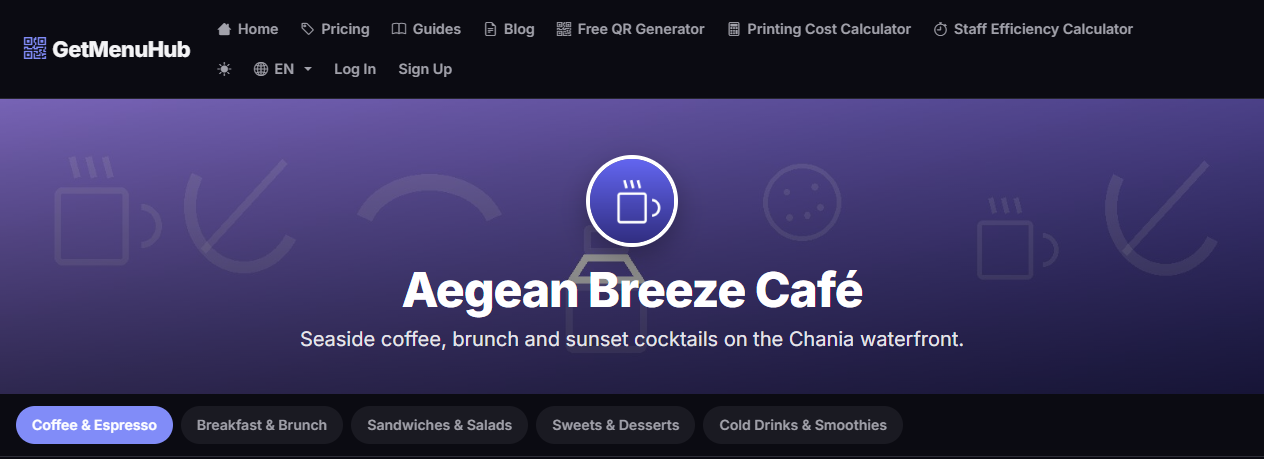
Your dashboard, the moment you log in
How it works
From sign-up to the first scan, with no technical knowledge required.
Create your menu
Add categories and products with prices, photos and dietary labels (vegan, gluten-free, spicy).
Get your QR code
The QR code is generated automatically. Print it once on a sign or table — customers scan it with their phone camera and see the menu instantly, no app needed.
Serve & take orders
With the Pro or Business plan, customers can order directly from their phone by scanning the table's QR code, without needing to get up.
Short-staffed? Your menu can carry more of the workload.
Finding and keeping enough staff is one of the hardest parts of running a restaurant right now. With table-side ordering, customers order directly from their phone - no server needed to walk over, take the order, and relay it to the kitchen. The staff you do have can spend their time on the parts of service that actually need a person.
- Fewer staff needed to run a full shift smoothly
- Existing staff handle more tables, more efficiently
- Zero reprinting costs when prices or dishes change
Without digital ordering
A server notices the table is ready, walks over, takes the order, walks it to the kitchen - then repeats for the next table.
With GetMenuHub
The customer scans the table's QR code and orders directly from their phone - it lands on your dashboard instantly, no walk needed.
See it in action
Real, live QR code menus built with GetMenuHub - not mockups.
One QR code. Five ways it grows your restaurant.
A complete system for managing your menu, orders, staff and customers - grouped below by what it actually does for you, not by menu item.
Look as good online as your food tastes.
Automatic QR Code
Every restaurant gets its own unique QR code, ready to print, with no extra steps.
Mobile friendly
The menu opens instantly in any phone's browser, with no app installation.
Never miss or mishandle an order.
Organized into categories
Split your menu into categories (appetizers, mains, drinks) in the display order you want.
Dietary labels
Mark dishes as vegan, vegetarian, gluten-free or spicy, so customers can choose easily.
Turn a visit into a habit.
Manage service without more hires.
Management Dashboard
See orders, update their status and keep track of your products all in one place.
Decide on data, not gut feel.
Simple pricing. No commission, ever.
Start with Basic or go Pro/Business for orders, loyalty and statistics.
Basic
- Unlimited categories & products
- Automatic QR code
- Dietary labels
- Product photos
- Multilingual menu
Pro
- Everything in Basic
- Orders from table QR codes
- Real-time order management
- Loyalty points for customers
- Discount codes
- Zero commission per order
Business
- Everything in Pro
- Sales statistics & reports
- Export orders to CSV
- Role-based staff management
- Staff activity log
Frequently asked questions
Everything you need to know before you start.
Ready to turn scans into regulars?
Create your free account and get your menu's QR code today — every feature is unlocked free during beta.
Create your free account